
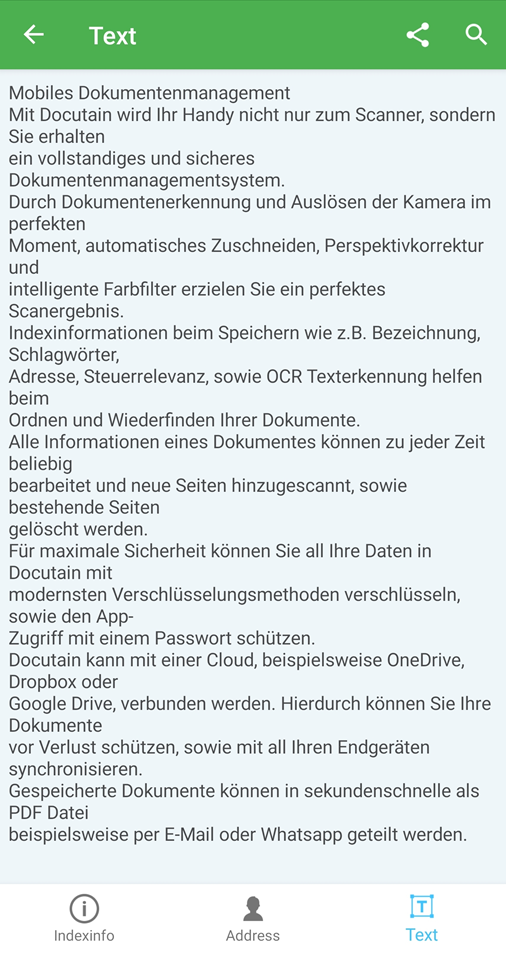
In Docutain we are using an optical character recognition software where you have the possibility to display the detected text of your document after you have scanned, imported or saved a document.
If you want to know how it works follow these steps:
1. Display detected text in a new document
2. Display detected text from indexinfo
1. Display detected text in a new document
When you have scanned your document and open the edit mode, tap on the "Text Icon" in the upper screen.
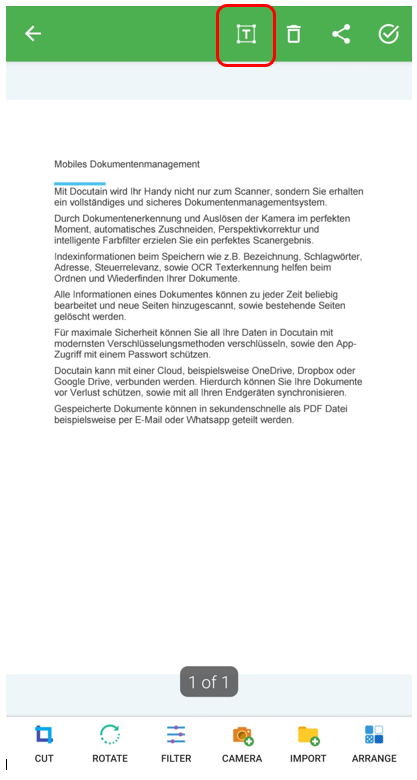
Now you will see the detected text from the current page.
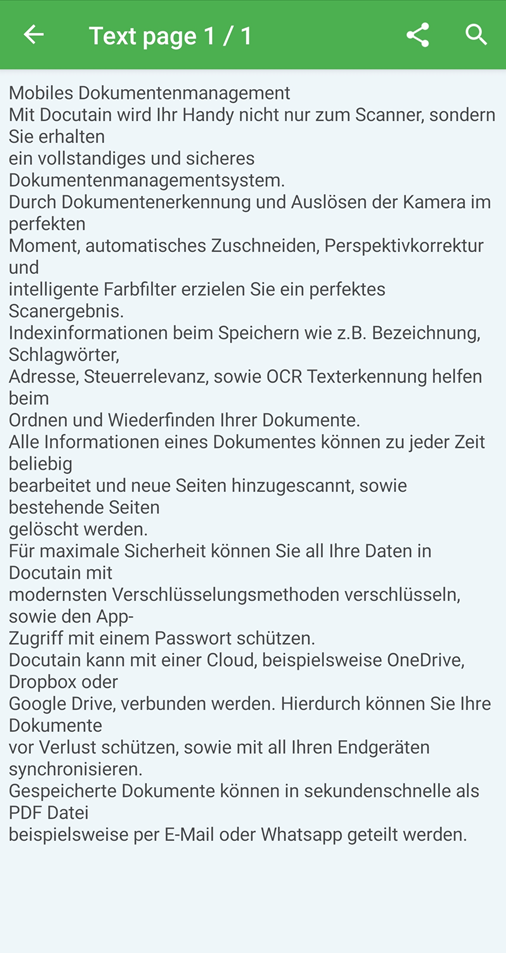
2. Display detected text from indexinfo
Open your document from "Recent documents" and tap on the "Info-Symbol" to open the Index info.
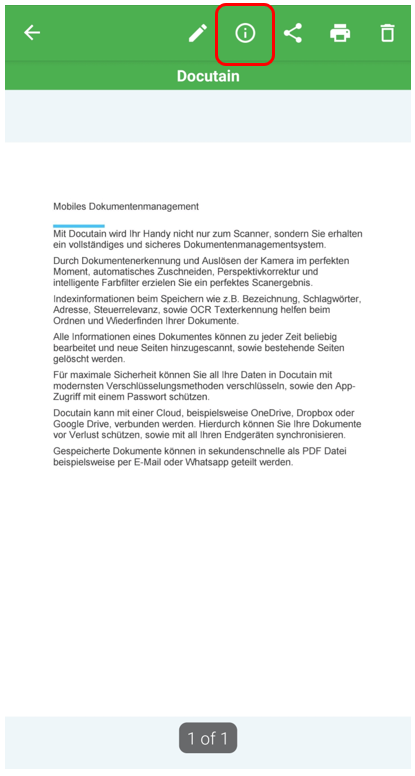
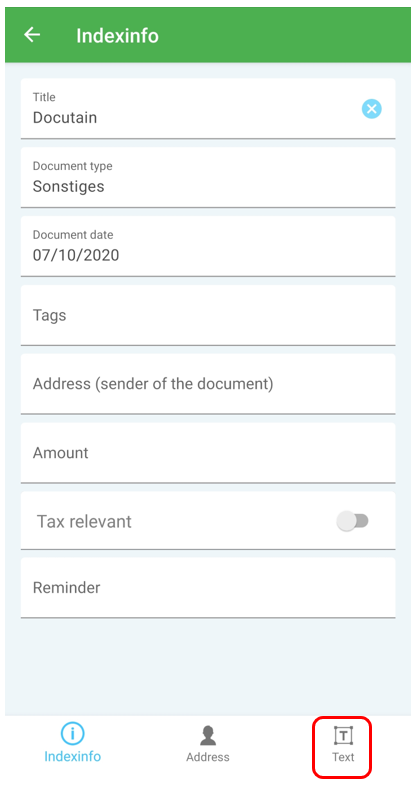
Here you can see all information from the document (like title, document type, tags etc.).
Tap on the "Text-Symbol" at the bottom to display detected text.
Comments
0 comments
Please sign in to leave a comment.