
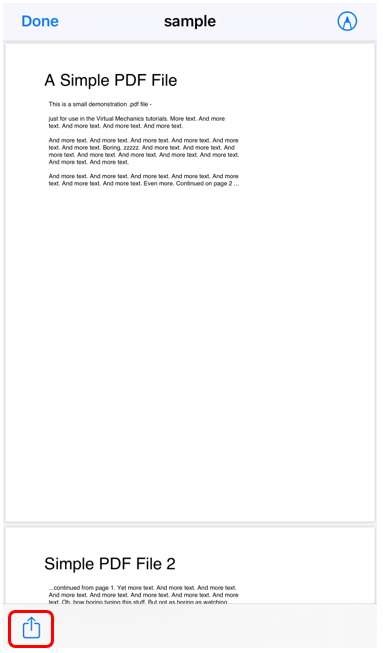
Select the image or PDF file from the location (folder, gallery, etc.) and tap on the "Share" icon.
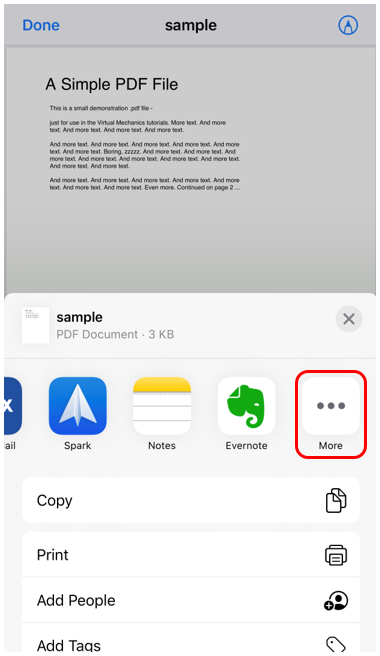
Now move right to get the "More" selection (if Docutain is not already displayed in the overview).
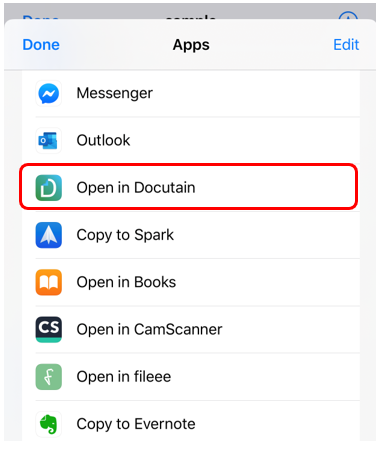
Then select "Open in Docutain".
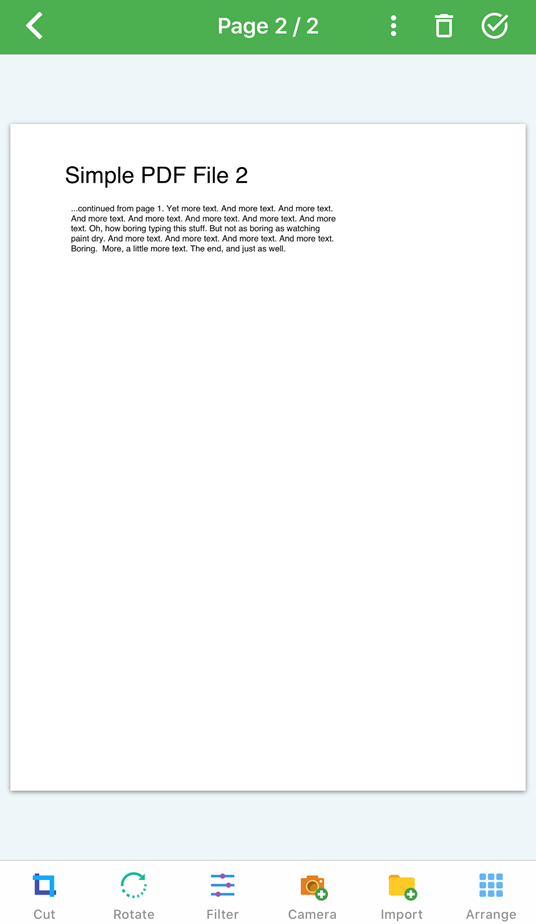
The Docutain editing screen opens automatically, where you can change the settings for the document and save it.
Comments
0 comments
Please sign in to leave a comment.