
To further improve efficiency, you can scan multiple pages in a row with Docutain Premium, using batch scanning.
How this function is used is explained in this article:
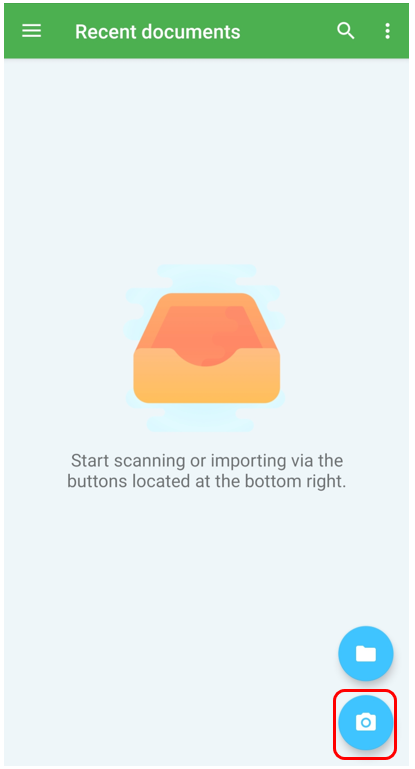
Open the camera icon via "Recent Documents" or go to "New Documents" in the main menu.
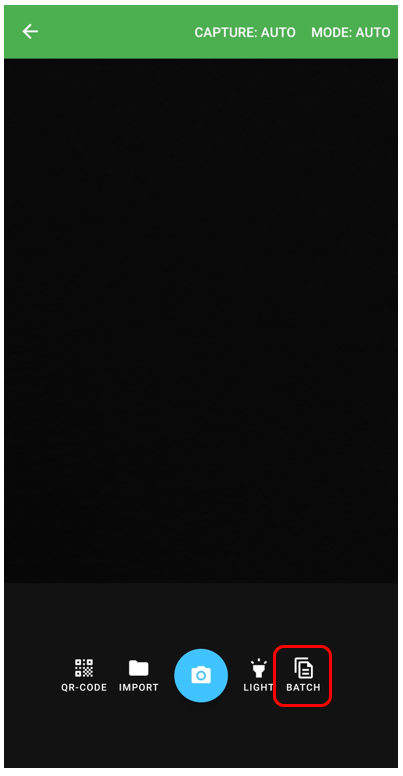
Now activate the "Batch Scan" by clicking on the "Batch" symbol in the lower right corner.
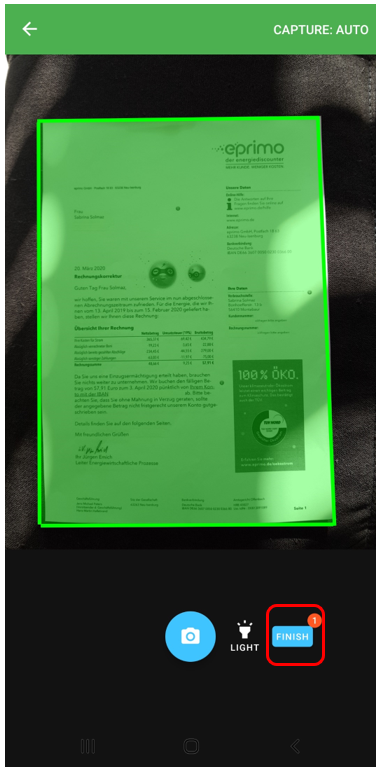
Scan your pages one after the other. The small red number shows how many pages you have already scanned. If you want to finish your scan, click on "Finish" at the bottom right.

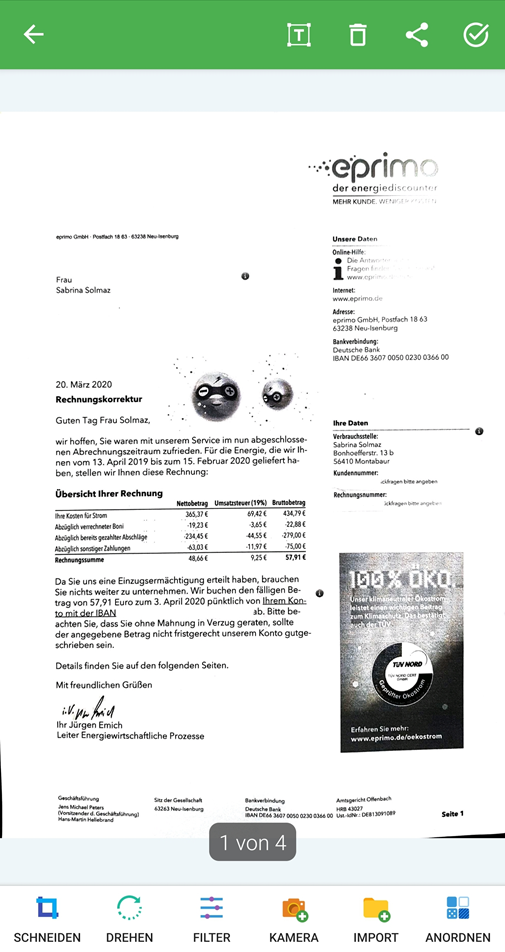
Your document will be in edit mode as usual, where you can complete/fullfill the information.
Comments
0 comments
Please sign in to leave a comment.