
With Docutain you have the possibility to scan a QR-Code. Depending on the content of the QR-Code, you have the option to open the recognized website, perform a Google search, import contacts or simply display the text.
How this works is explained in this article.
2. Starting via the normal scanning process
1. Starting via Quick Action
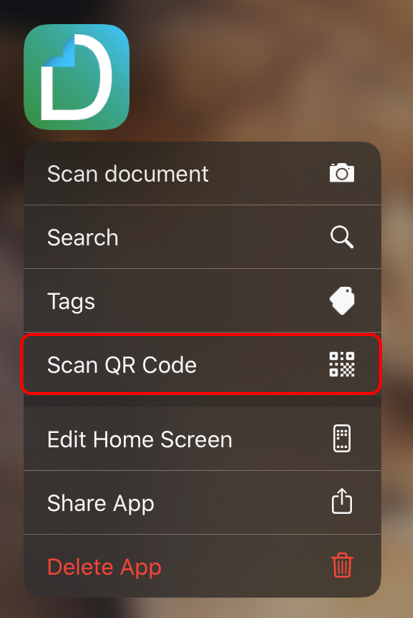
Press and hold the Docutain icon to open the Quick Action. Then select Scan QR Code.
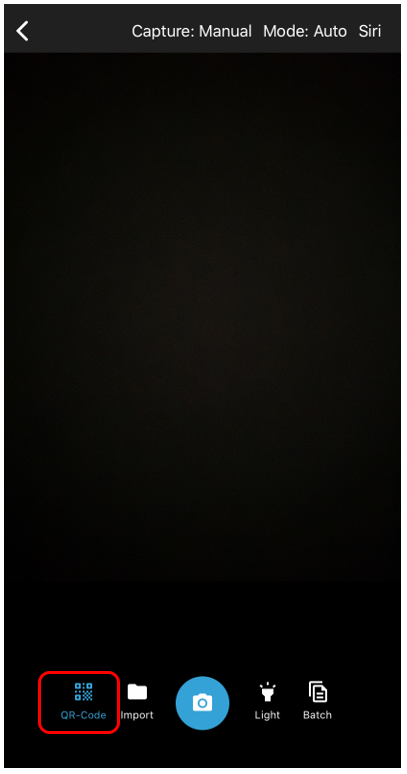
If the QR Code Scan is activated, the symbol for it is highlighted in blue.
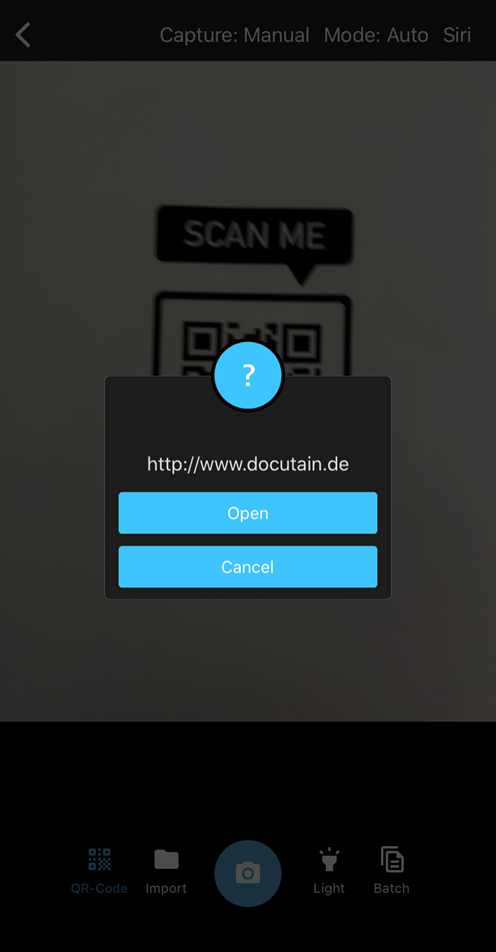
When a QR-Code has been detected, a pop-up will open.
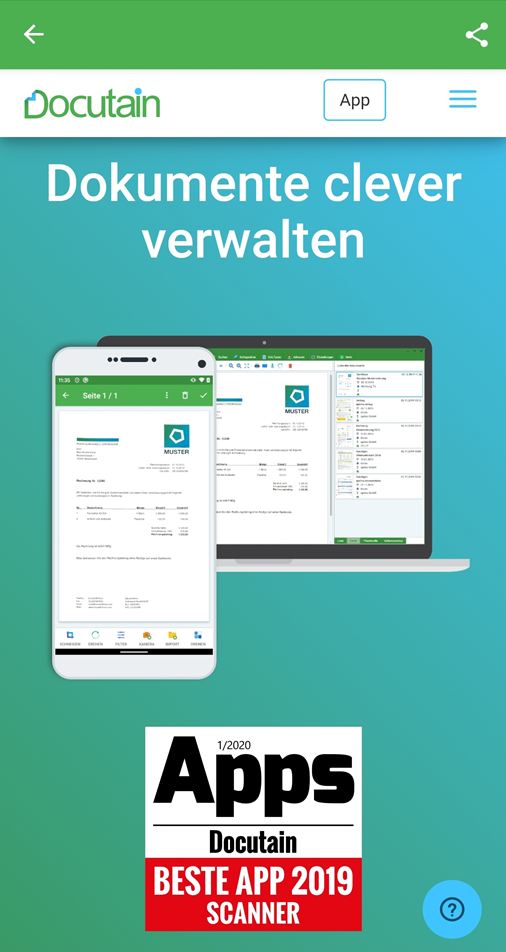
In our example, the QR-Code contains a link to a website, which you can then open directly.
2. Starting via the normal scanning process
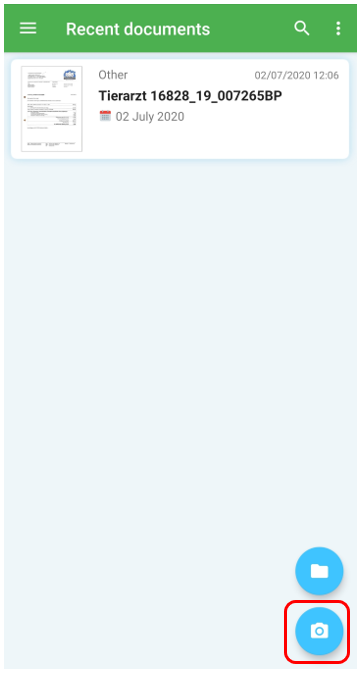
Start the scan mode by tapping the camera icon in the lower right corner.
At the bottom left you have the option to activate "QR Code" so that the content can be read via the camera. Move the slider to the right.
When a QR-Code has been detected, a pop-up will open.
In our example, the QR-Code contains a link to a website, which you can then open directly.
Comments
0 comments
Please sign in to leave a comment.