
If you want to know if a document is encrypted or not, follow these steps:
Open your document and tap on the "info-symbol" to open the index information.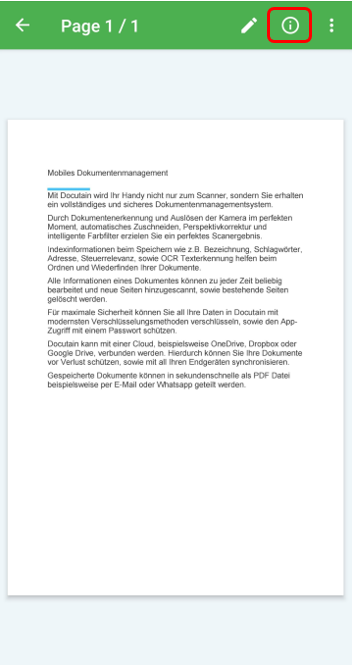
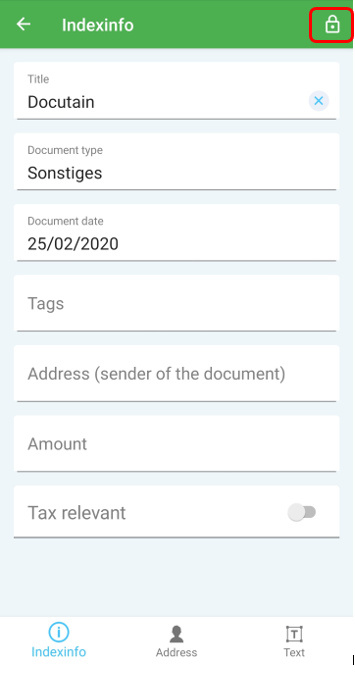
Now you can see if your document is encrypted or not when checking the "lock-symbol" in the upper right corner. No lock-symbol means your docurement is not encrypted.
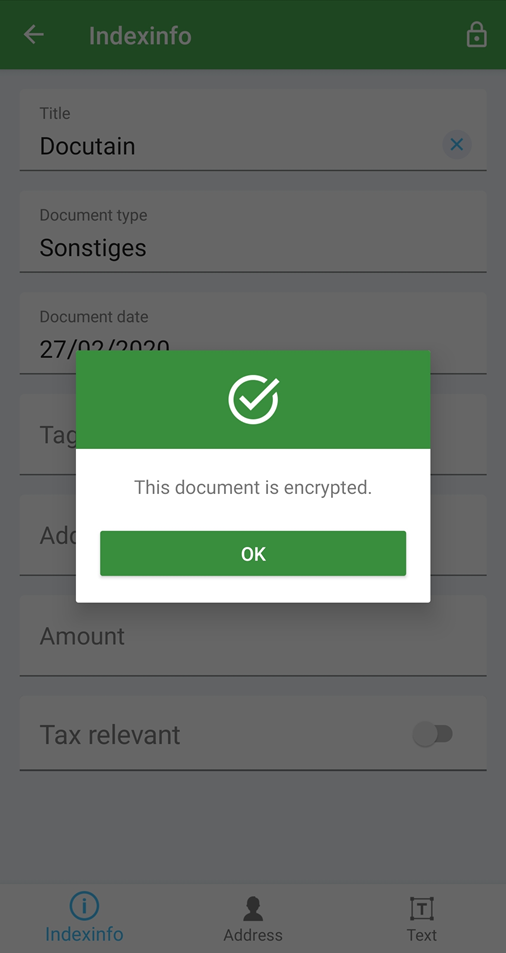
When you tap on the lock-symbol a pop-up message confirms "This document is encrypted".
Comments
0 comments
Please sign in to leave a comment.