
You have the possibility to import your contacts from your device to Docutain.
If you want to know how it works follow these steps:
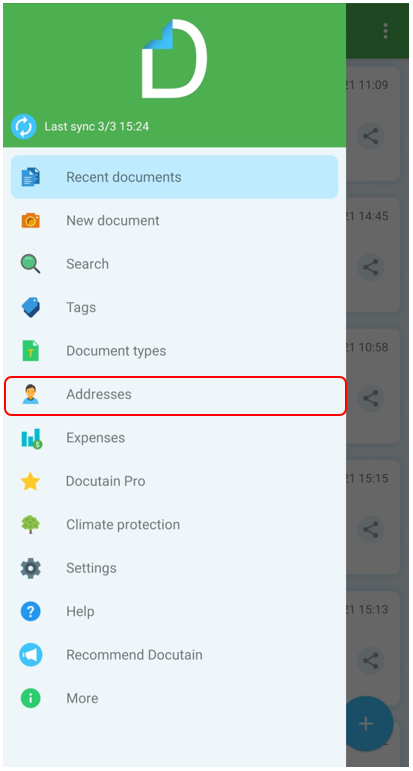
Open the main menu and tap on "Addresses"
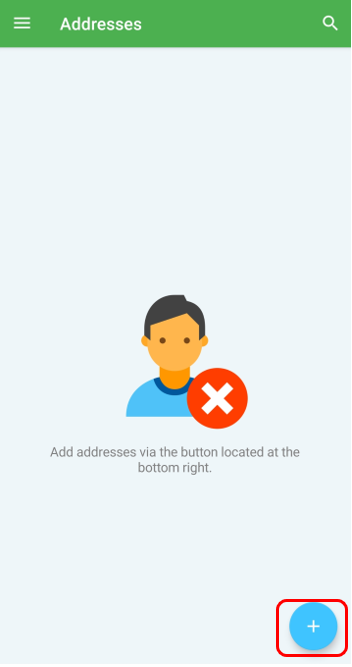
Tap on the "Add-Symbol" on the bottom right
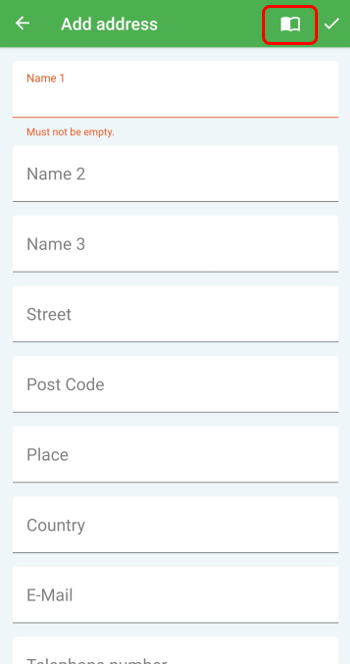
Tap now on the "directory-symbol"
If you are importing contacts for the first time, you have to confirm the following message with "OK".
This allows Docutain to access your contacts.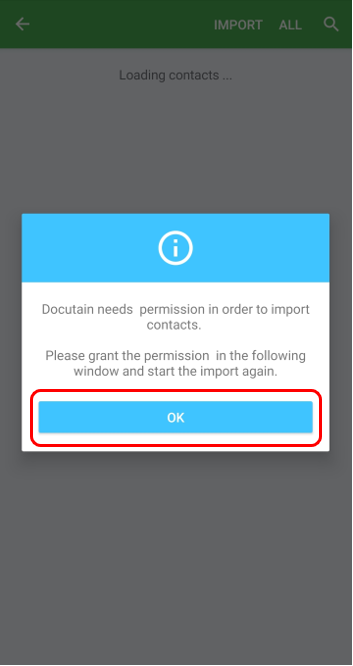
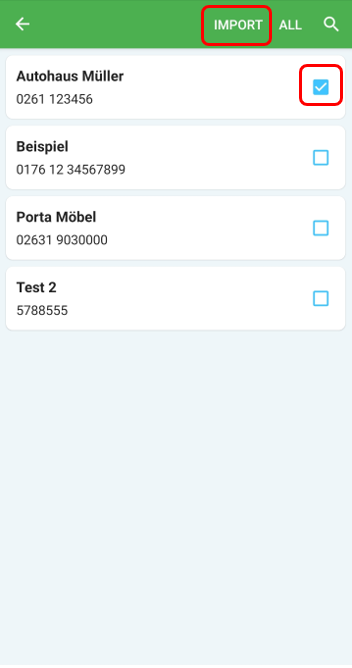
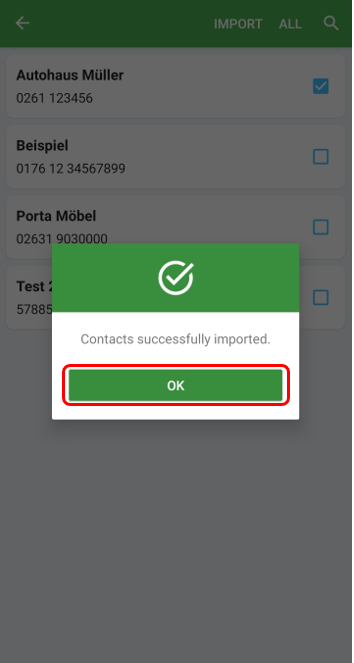
Now select your contacts to be imported by checking the box. Once the selection is complete, tap on "Import". You will get an info that you contacts are successfully imported. Please confirm with "OK".
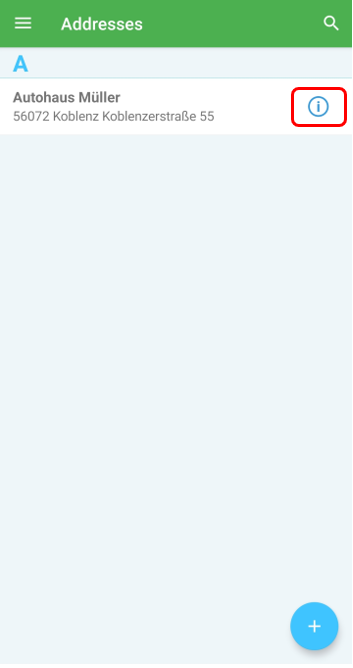
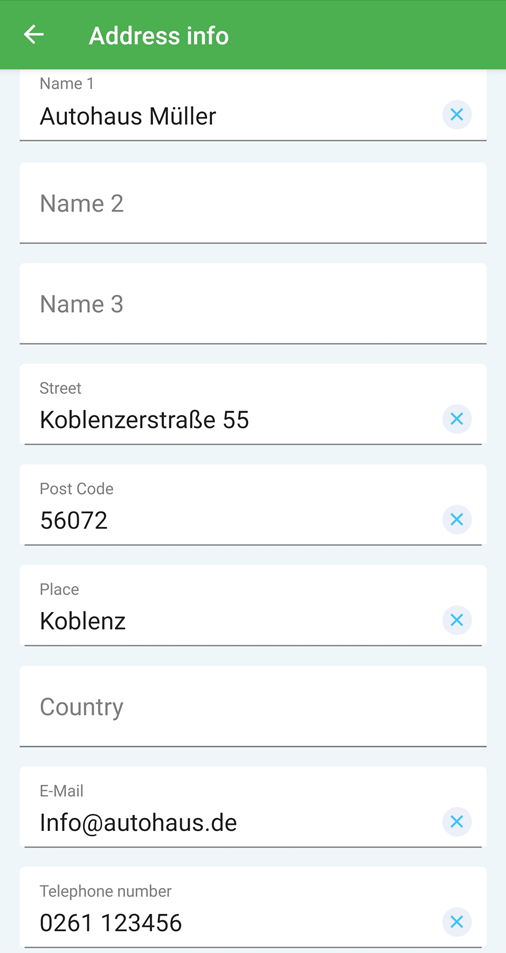
Your imported contacts are now available. If you tap on the "info-symbol", you will see the details of this contact.
Comments
0 comments
Please sign in to leave a comment.