
Docutain offers a variety of quick searches and an extensive search mask.
Recent documents
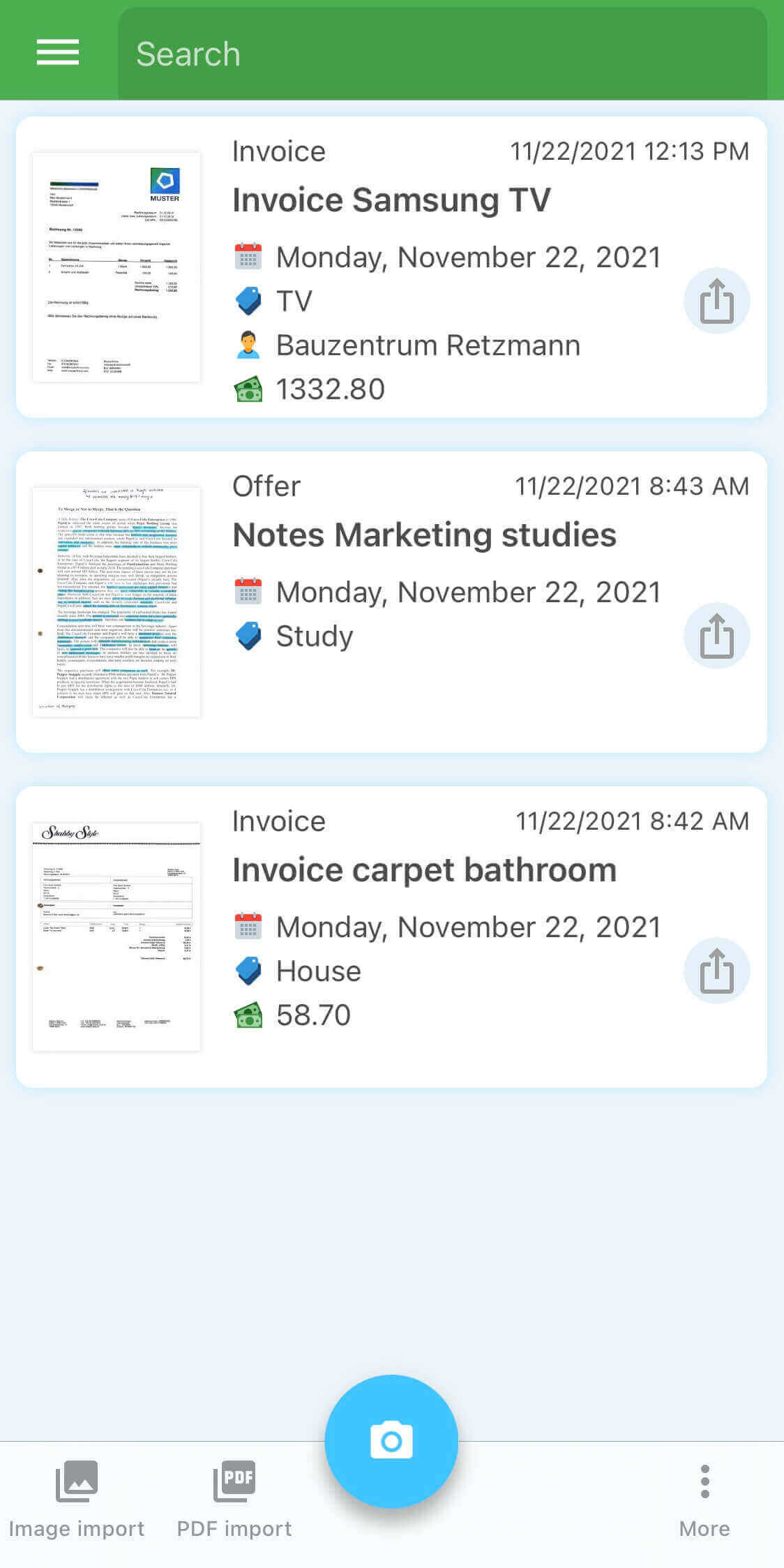
Open "Recent documents" via the main menu and tap on the "Search" icon on the top. This search works over all index information except the detected text.
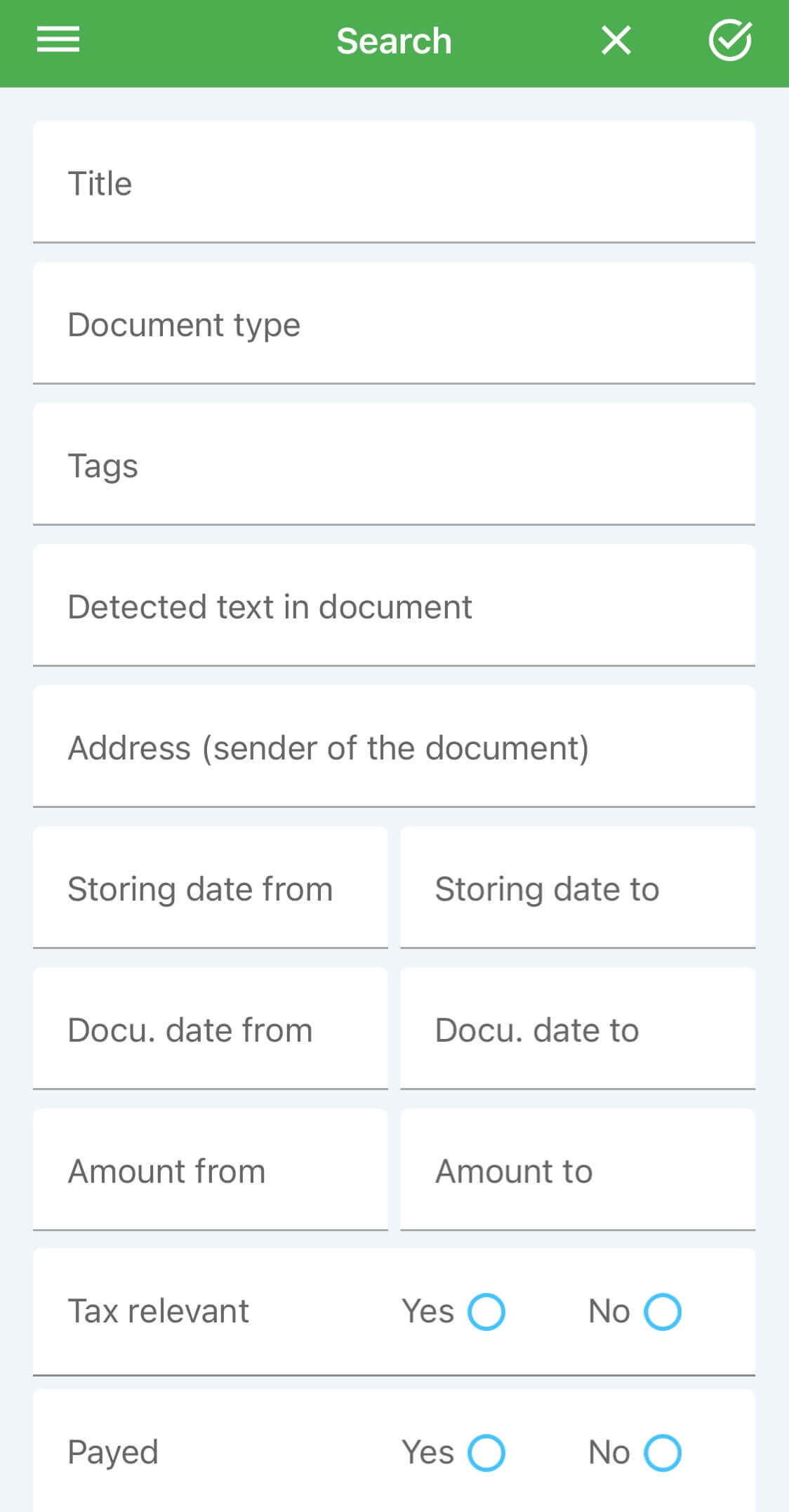
Search mask
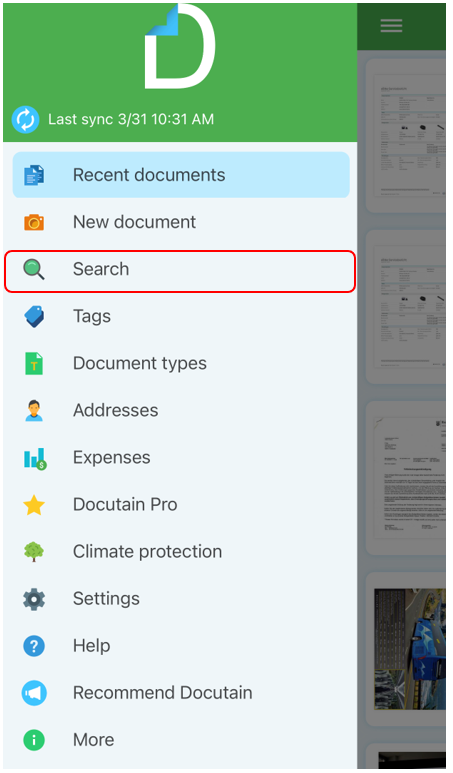
Open "Search" via the main menu. With the overview mask, you can search your entire document stock in seconds for all document information in wide variety of combinations.
Furthermore, the following quick searches are also available:
Tags
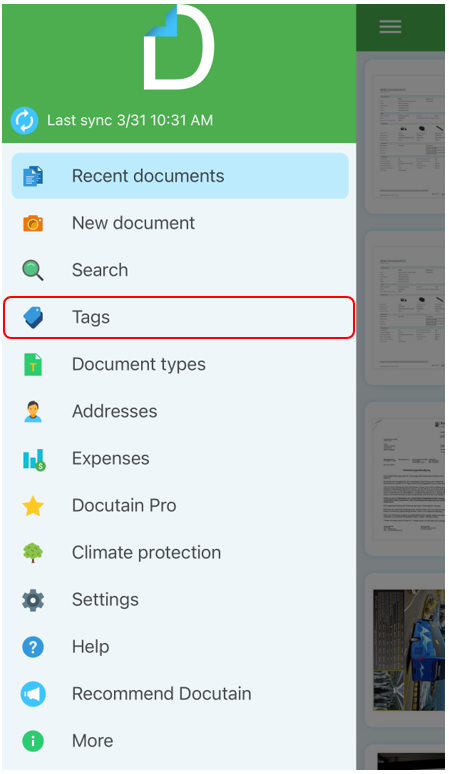
Open the page "Tags" via the main menu. On the overview page you can already see the number of linked documents next to each tag. Tapping a tag will get you an overview of all linked documents.

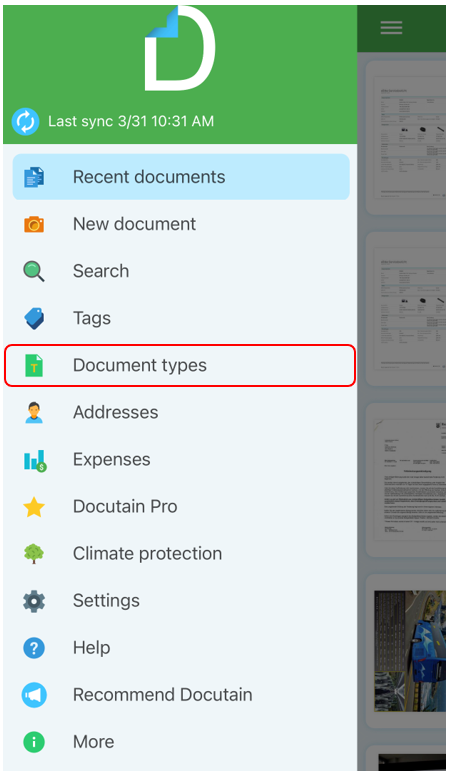
Document types
Open the page "Document types" via the main menu. On the overview page you can already see the number of linked documents next to each type. Tapping a document type opens the overview of all linked documents.

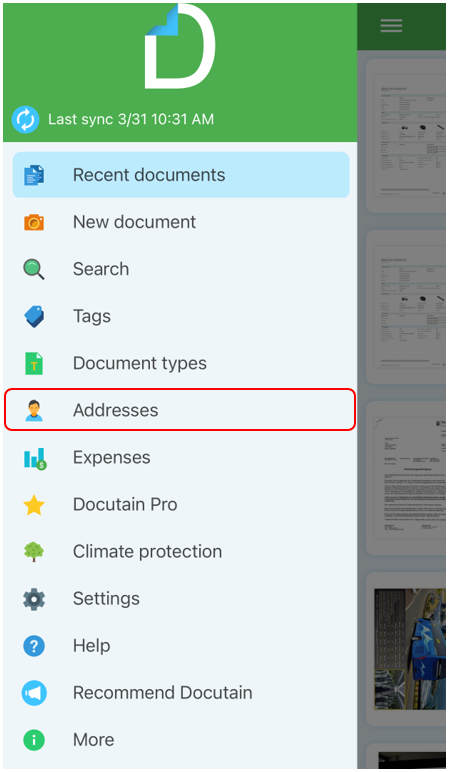
Addresses
Open the page "Addresses" via the main menu. Tapping an address will get you an overview of all linked documents.

Comments
0 comments
Please sign in to leave a comment.