
Docutain offers a variety of quick searches and an extensive search mask.
Search mask
Open "Search" via the main menu. With the overview mask, you can search your entire document stock in seconds for all document information in wide variety of combinations.
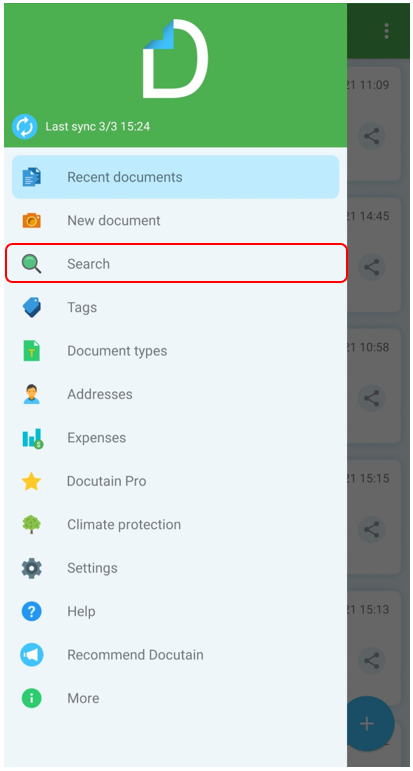

Furthermore, the following quick searches are also available:
Recent documents
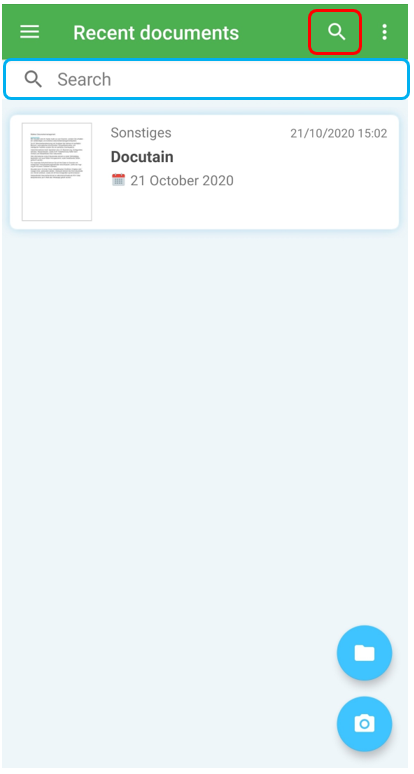
Open the recent document and tap on the "Search" icon on the top right corner. This search works over all index information except the detected text.
Tags
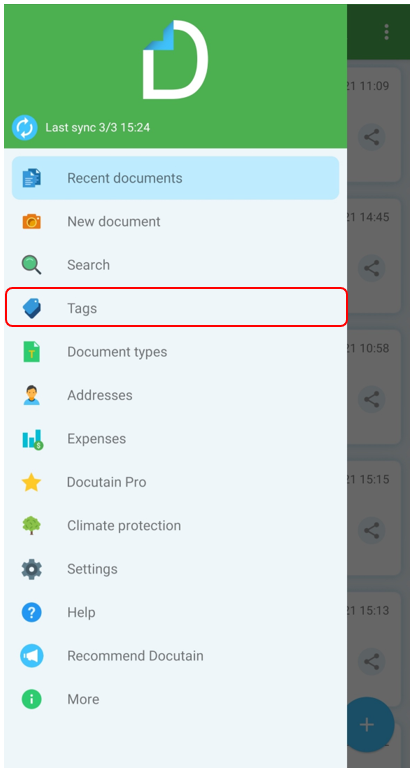
Open the page "Tags" via the main menu. On the overview page you can already see the number of linked documents next to each tag. Tapping a tag will get you an overview of all linked documents.

Document types
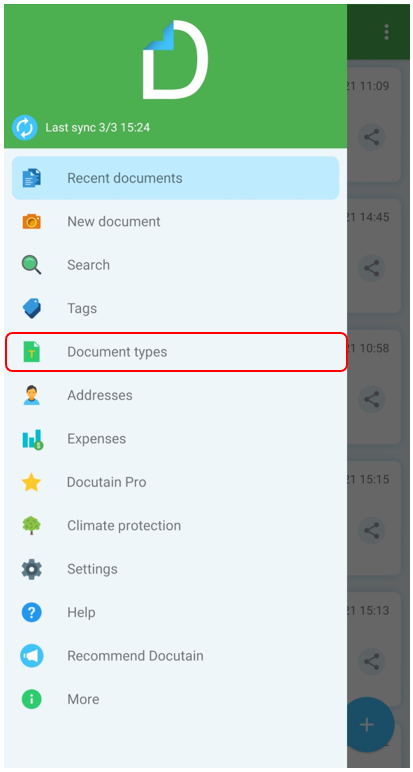
Open the page "Document types" via the main menu. On the overview page you can already see the number of linked documents next to each type. Tapping a document type opens the overview of all linked documents.

Addresses
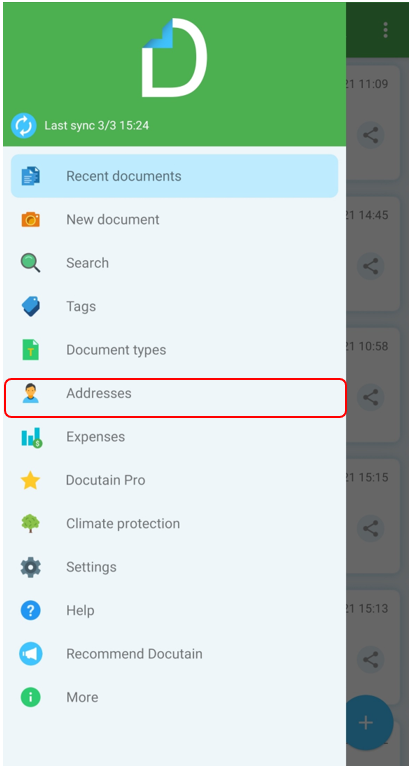
Open the page "Addresses" via the main menu. Tapping an address will get you an overview of all linked documents.

Comments
0 comments
Please sign in to leave a comment.